
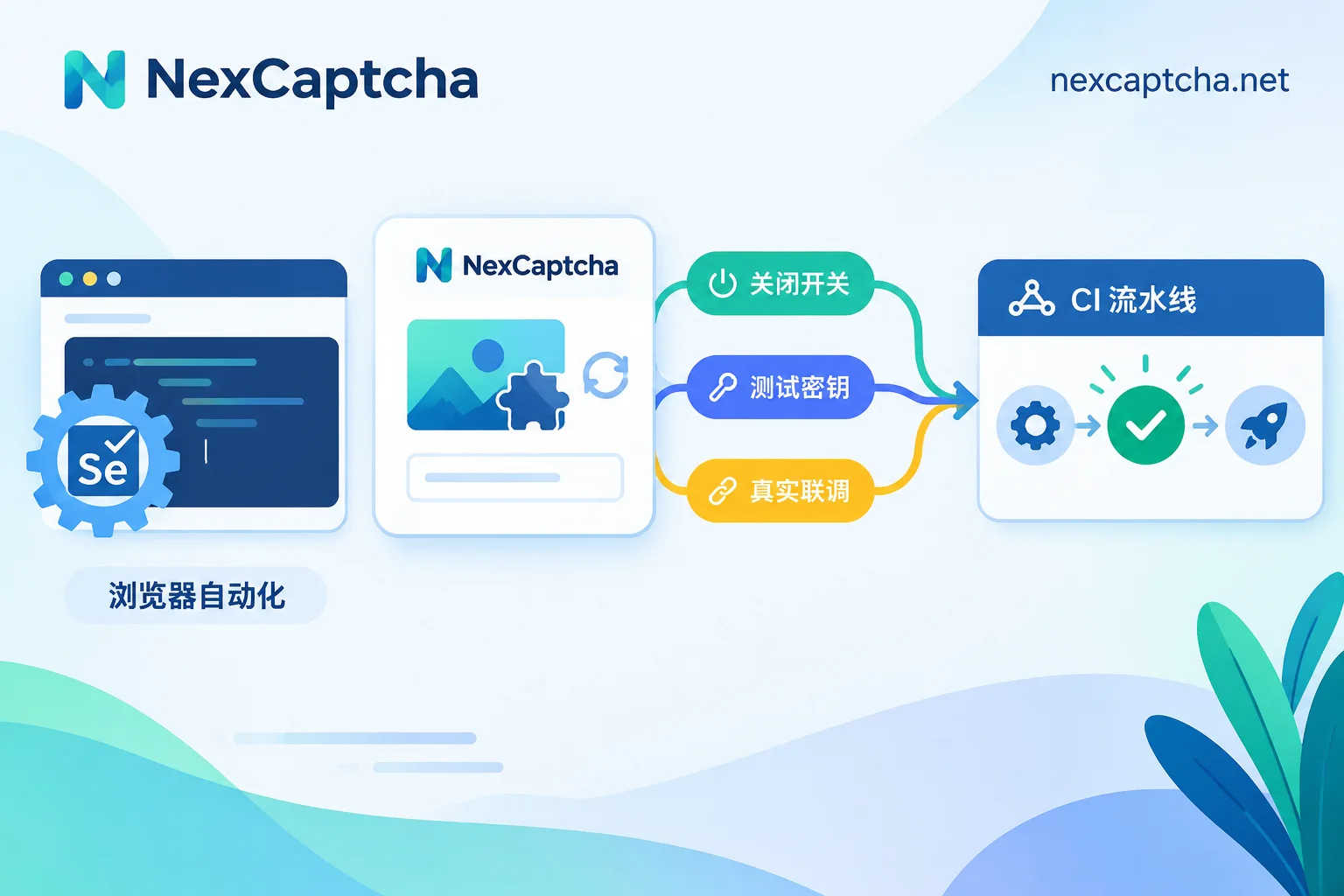
How to Do Selenium CAPTCHA Testing: Layered Approach with Feature Flags, Official Test Keys, and Real Integration
When encountering CAPTCHAs in Selenium automated testing, handle them by test layer: use environment flags or official test keys for reCAPTCHA, Turnstile, and hCaptcha in daily CI to ensure stable results; for pre-release or canary environments where real CAPTCHAs must be faced, use a small number of smoke tests with recognition APIs to complete parameter extraction, token injection, callback triggering, and business assertions.
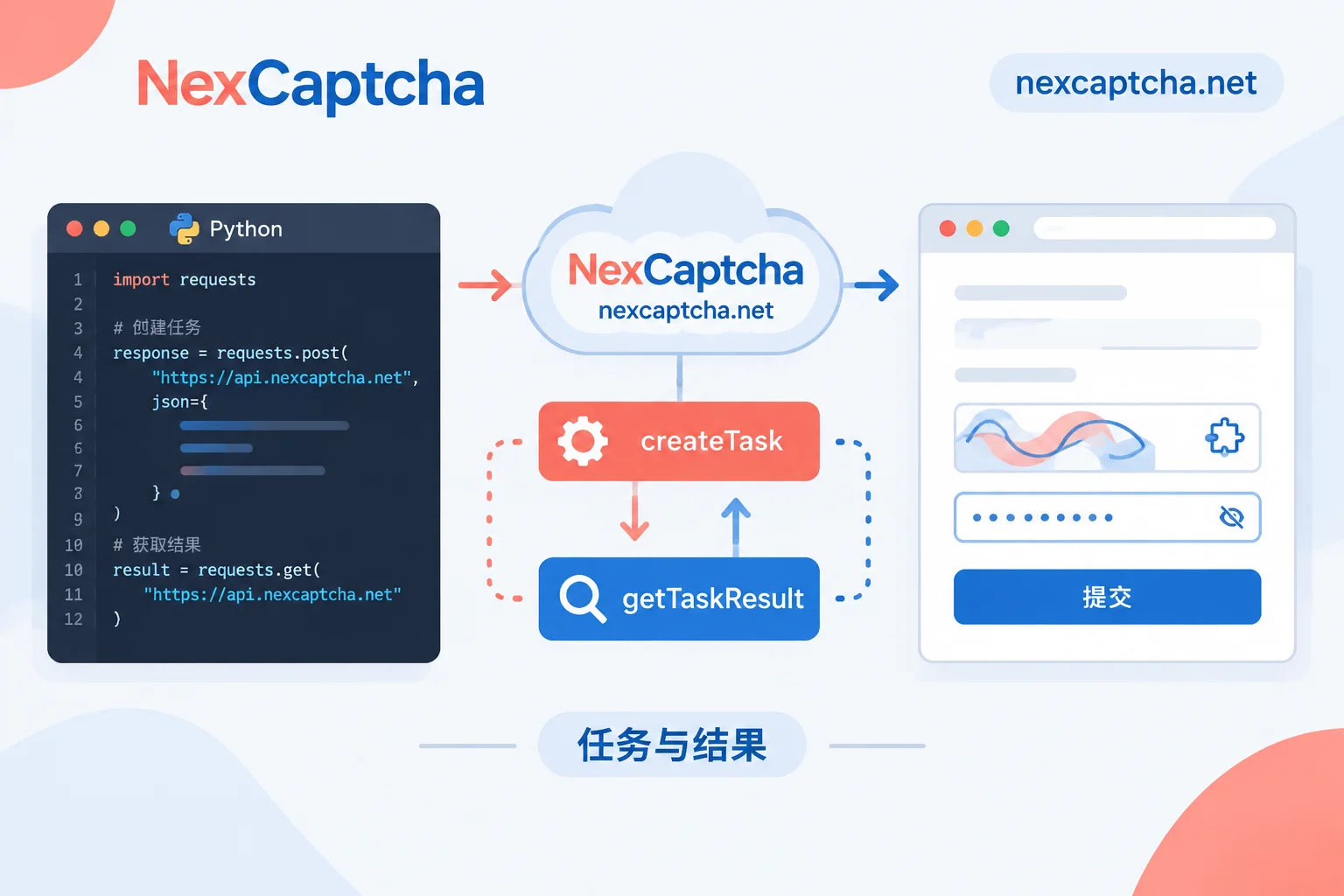
Python CAPTCHA Recognition API Integration: Task Submission, Polling, Error Handling, and Result Injection
This article guides Python developers on using the requests library to integrate a CAPTCHA recognition API via a two-phase process: submitting a task and polling for the result. It covers parameter differences between image CAPTCHAs and token-based CAPTCHAs, timeout and error code handling, and how to inject tokens in Selenium/Playwright. It also clarifies the distinction between 'API returning a result' and 'target site accepting it', helping with troubleshooting.
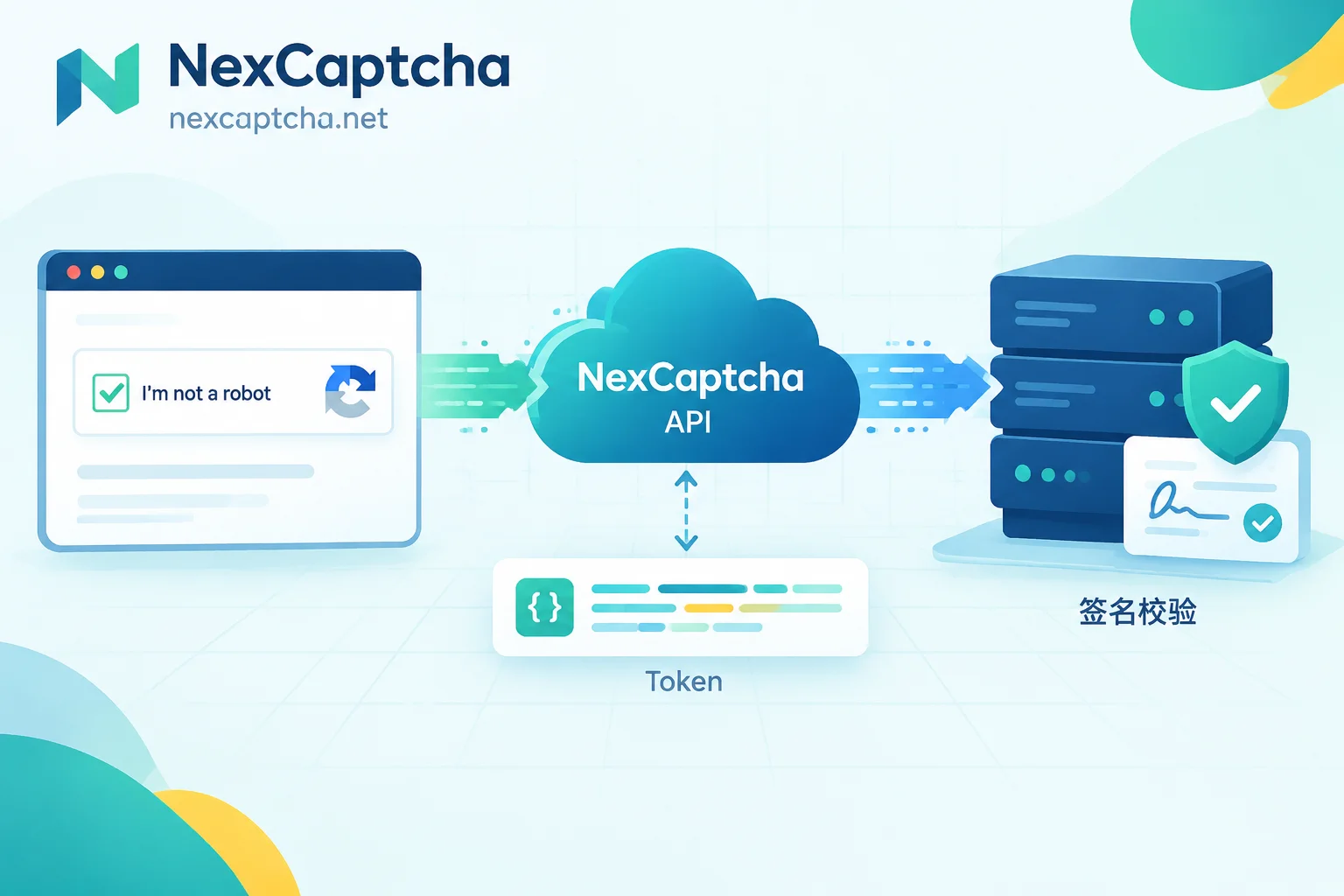
How Google reCAPTCHA Works and How to Build a Fully Automated Pipeline with a CAPTCHA Solving API
Break down the three-stage structure of reCAPTCHA v2, v3, and Enterprise—behavior collection, token issuance, and server-side verification—then provide a complete loop for integrating a recognition API in Playwright/Selenium: extract sitekey and action, create a task, poll for the result, inject g-recaptcha-response and trigger the callback, and validate the business result after submission, with layered troubleshooting for common failures and tool boundaries.


